
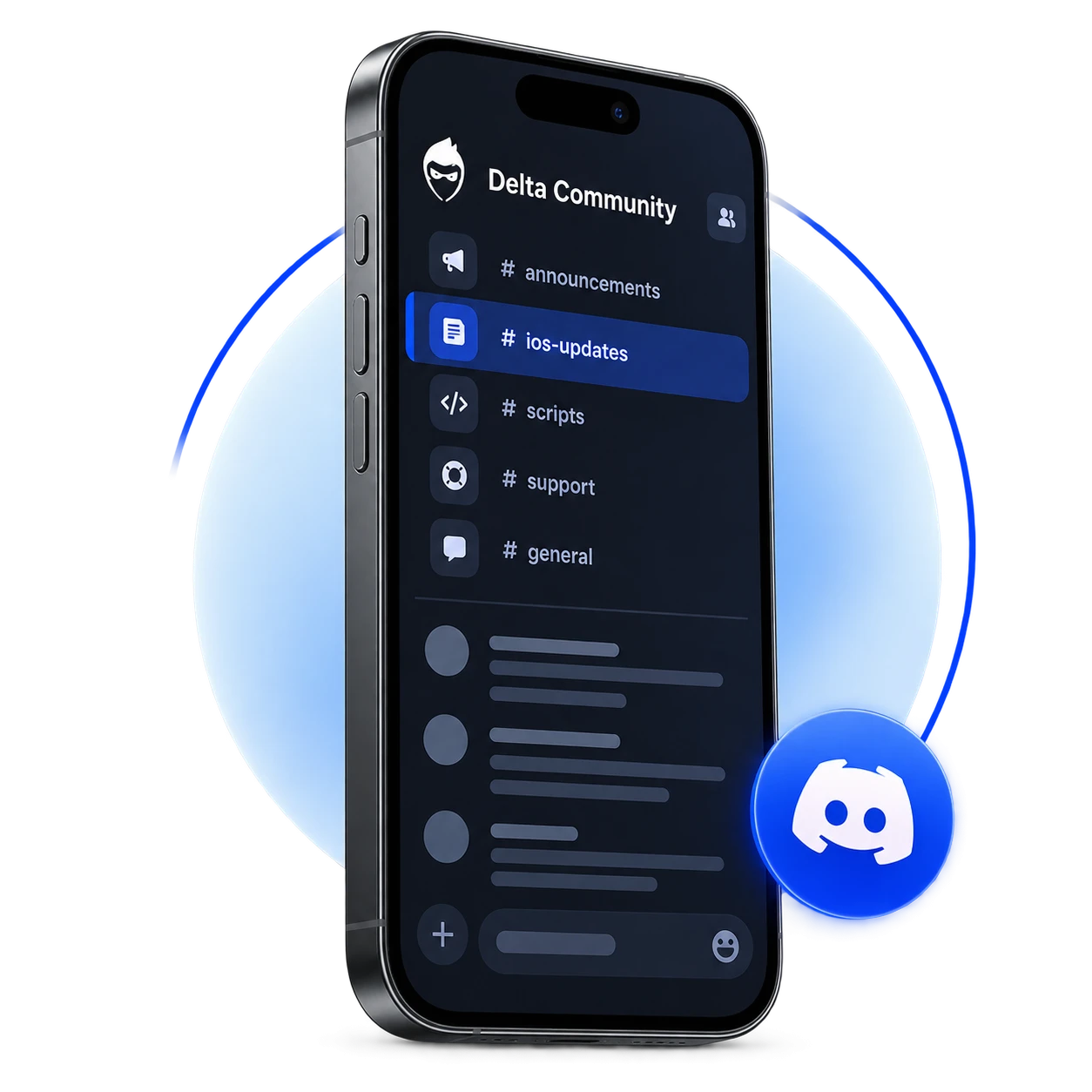
Delta stopped working, or having problems inside the app, but don’t know how to fix it? Looking for help solving an issue, working scripts or updated information? Delta server is where you get updated information, troubleshooting tips, community help, all in one place.
The guide tells you what a discord server is, the benefits of joining the server, how to join, and what to expect inside the server.
What is Delta Discord Server?
Delta Discord Server is an online community where Delta users come together to chat, get help, and get updated with the updates. Instead of searching through the different posts, videos and guides you can search directly in the community, there is a great possibility that someone has already found a solution to the problem and shared it there. Users can join the server irrespective of the OS they use whether it's Windows, iOS, or Android.
Why Join Delta Discord Server?
24/7 Support:
If you are facing a problem but cannot find a solution to it, you can simply ask question in the community and someone will help you.
Script and Resource Sharing:
Community shares working scripts and resources, so you can directly use them without any problem.
Follow Updates:
You get notified about the latest updates, bug fixes, and announcements. As Roblox gets updated regularly and Delta stops working. So, Delta developers release updates fixing the issue.
Multi-language support:
Server has designated language channels where you can ask for help in your native language. It has dedicated regional channels for major languages including Spanish, Portuguese and German etc.
How to Join Delta Discord Server?
Follow these steps to join Discord server:
- Click on the “Join” button above. You will be directed to the invite page.
- Accept Invite.
- Login to the Discord. You need to verify your account to join.
- Browse announcements, tips, giveaways etc.
What You can find inside the Delta Server?
The server is organized into categories, so you can find what you need easily:
Updates:
It contains separate channels for Android and iOS, where you get notified about the recent updates related to each platform.
Info:
It contains three channels:
Announcements:
Important news from the Delta community about the updates, features and or changes.
Secondary:
An extra announcement channel with a mix of posts, including the troubleshooting tips, service downtime notifications, premium keys, and safety warning etc.
Invite:
Where you can find invite links for related servers.
Community:
There is a chat community in this one, where users can talk, ask questions, and share experiences, scripts etc.
FAQs:
Is it free to join the Delta Discord server?
Yes, joining the Discord server is completely free. Some servers also talk about premium keys but that are sold separately and it has nothing to do with joining.
How do I join the Delta Discord server?
Click on the join button above, you will be redirected to the invite page. Click on the Accept invite. For detailed steps, see step by step guide.
Where can I check Delta’s latest updates?
Delta server has separate channels for Android and iOS updates. You get notified about latest updates, bug fixes etc.