
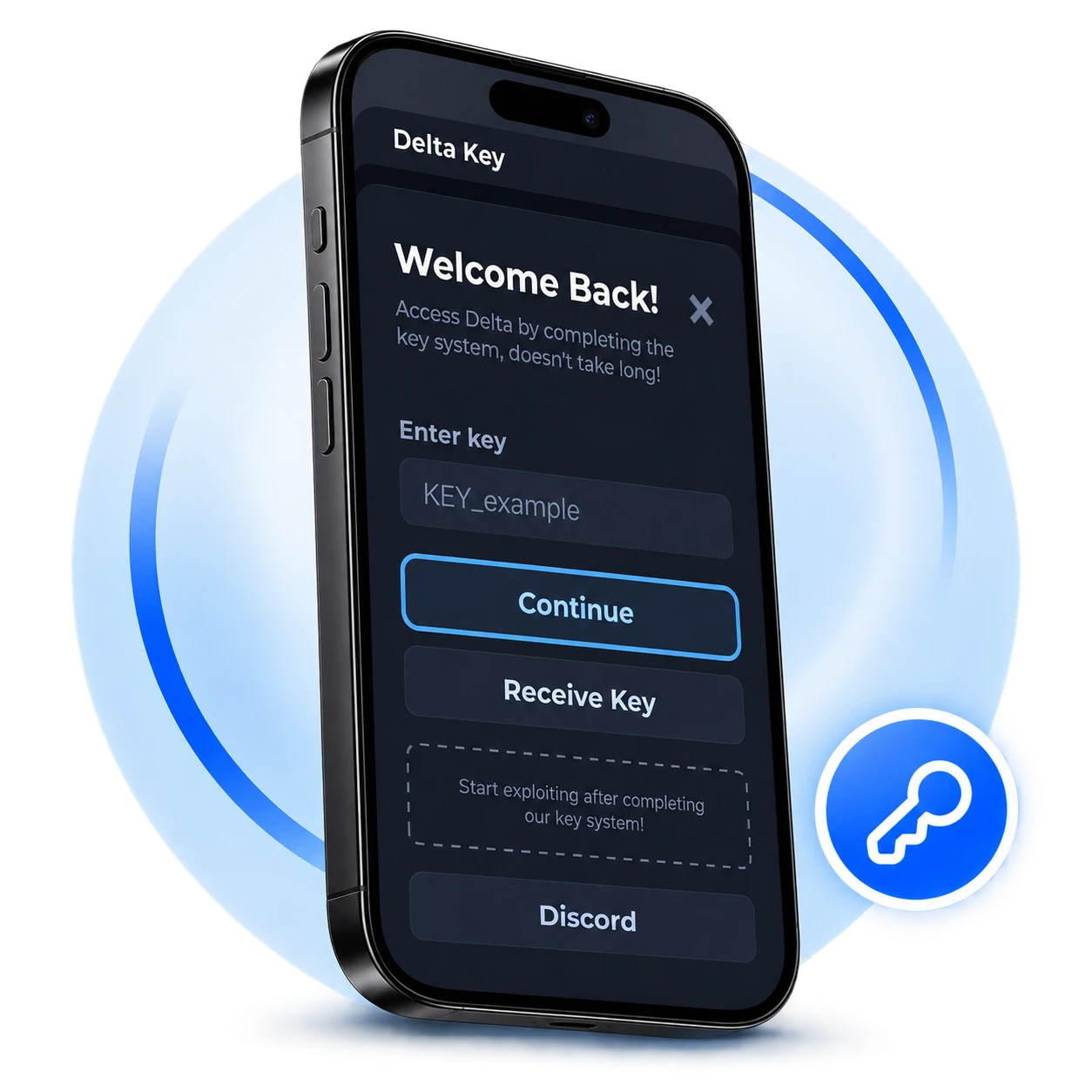
Installed Delta on your iPhone but stuck at the key system. The link opens in Safari, all buttons look alike and you are confused, because one wrong click and you are back to the start. But, this guide covers the whole process of getting key, common errors and fixes.
What is Delta Key System on iOS?
Delta Key system is a verification process used by Delta Executor. To use the Executor, users need to enter a valid key before they can start executing scripts. Key works like a valid code to access the tool features for a limited time. Process of getting a key includes linkvertise/loot-link verification, where users need to watch 2 to 3 ads and in return it grants a key for 24-hours. Good news is that it is completely free and the whole process takes only 2 to 5 minutes.
How to Get Delta Key on iPhone/iPad?
Follow these steps to get key on your iOS device:
- Open Delta executor and tap “Receive Key”.
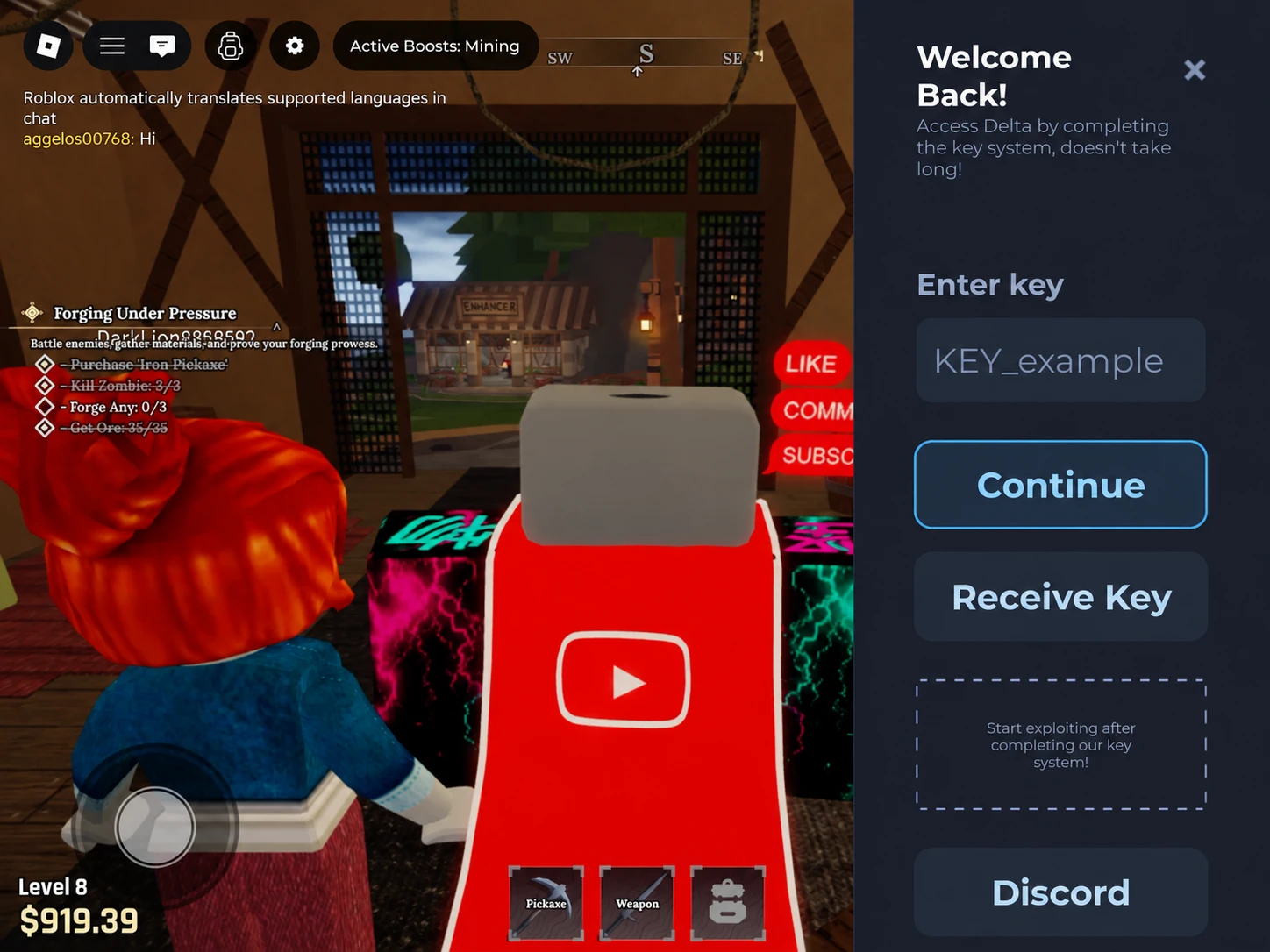
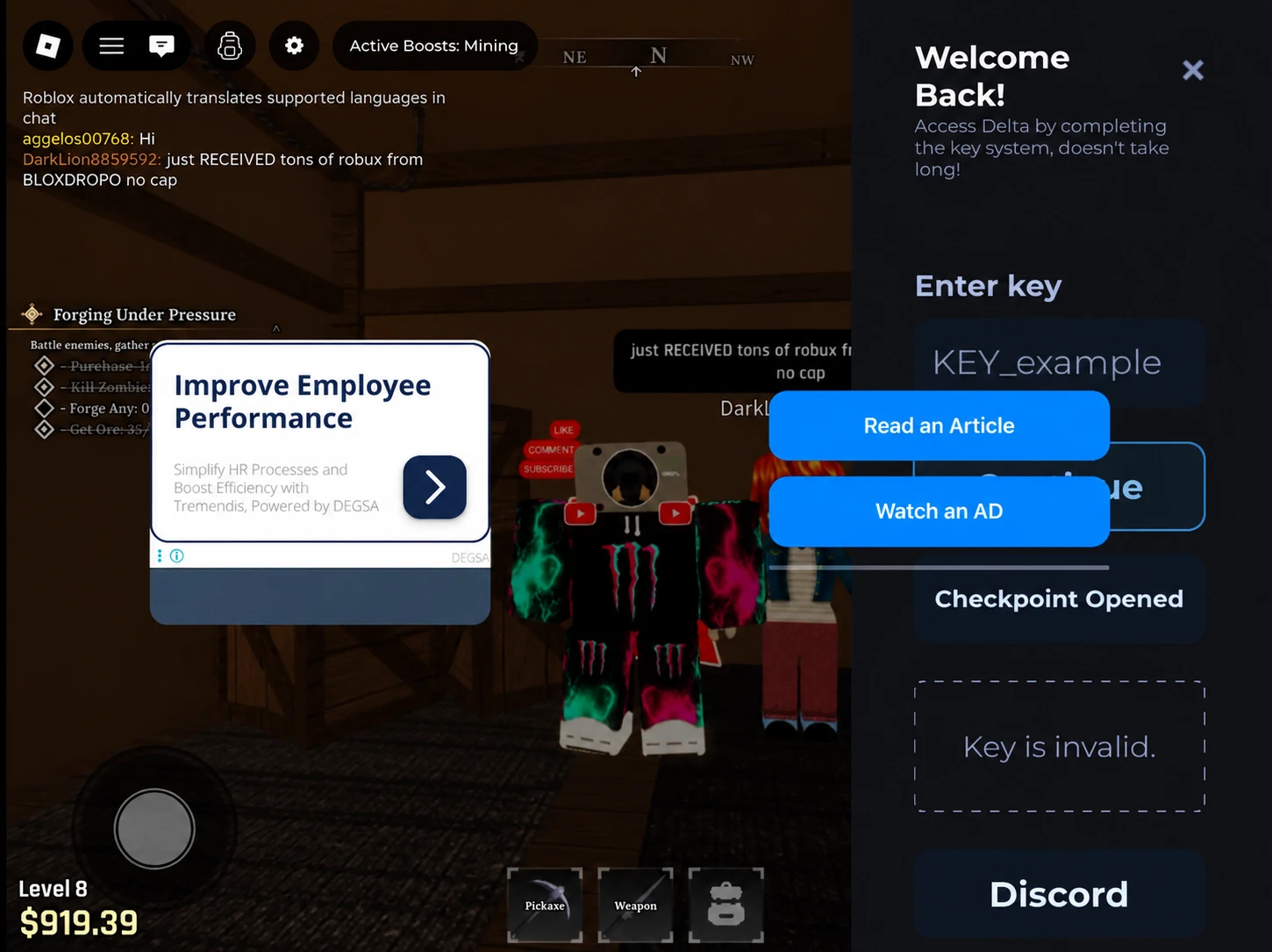
- To start the key steps, you may need to Read an article and watch an ad.
- Open Safari and paste the copied link.
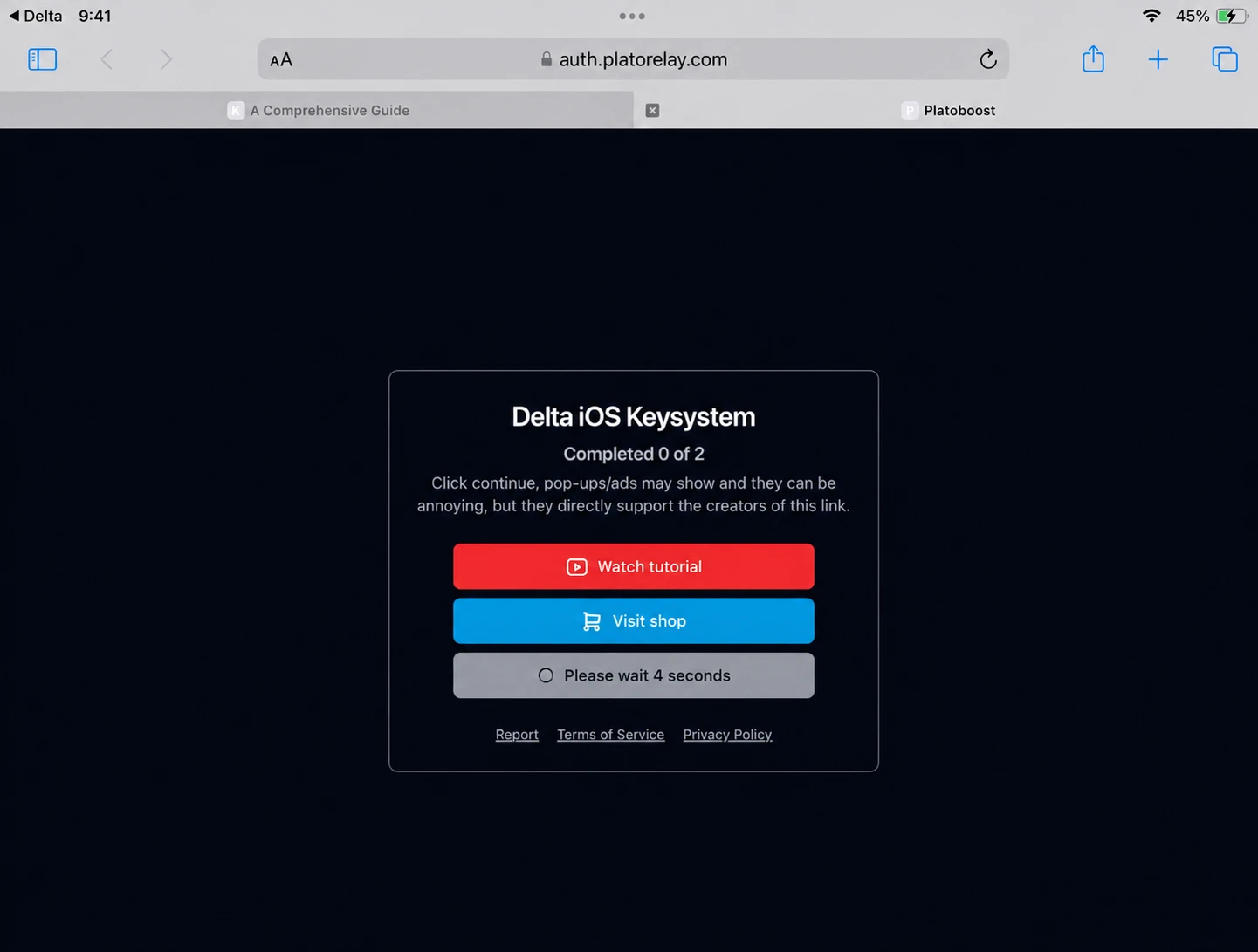
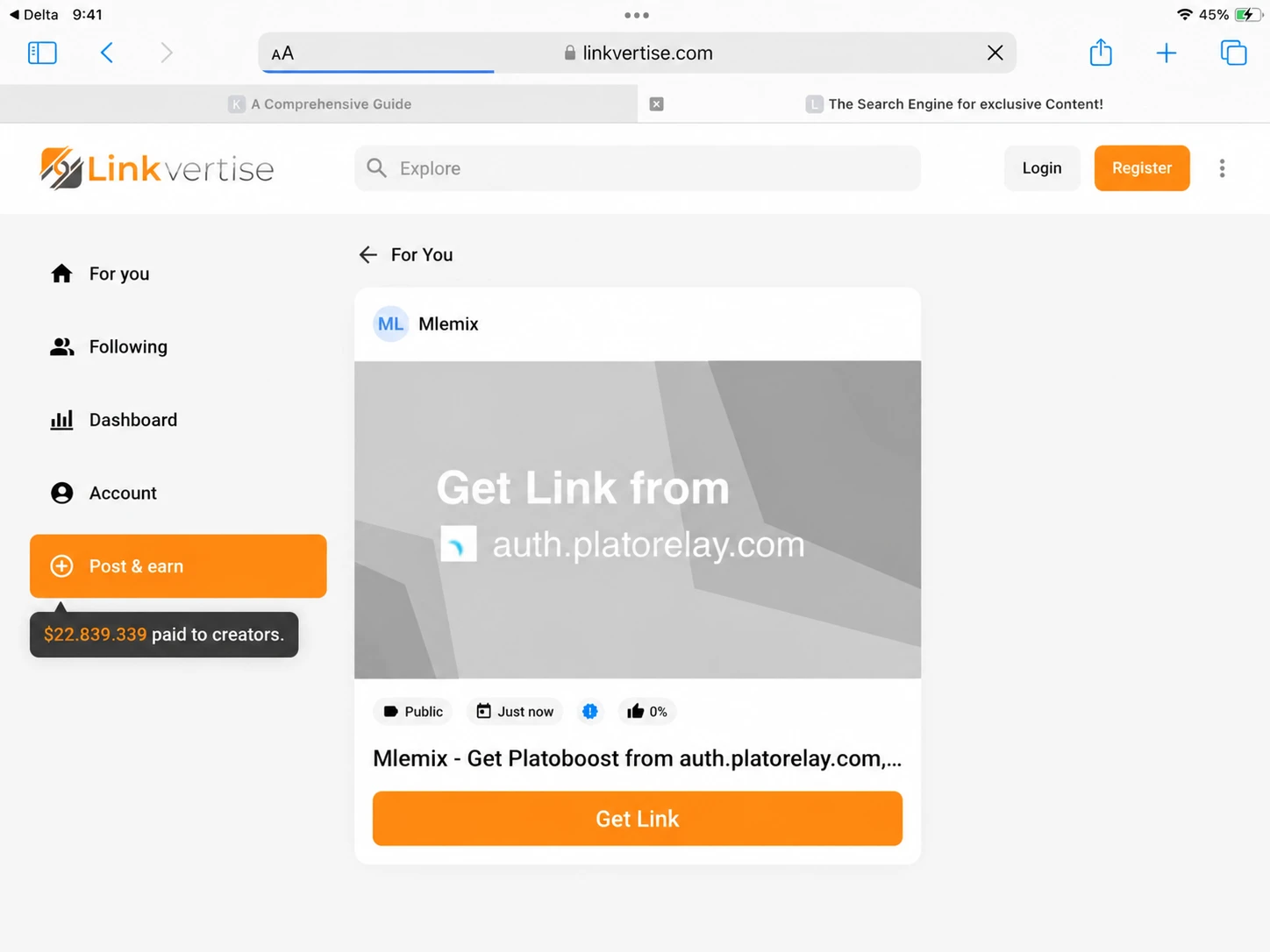
- You will be redirected to linkvertise website.
- Tap “Get Link”.
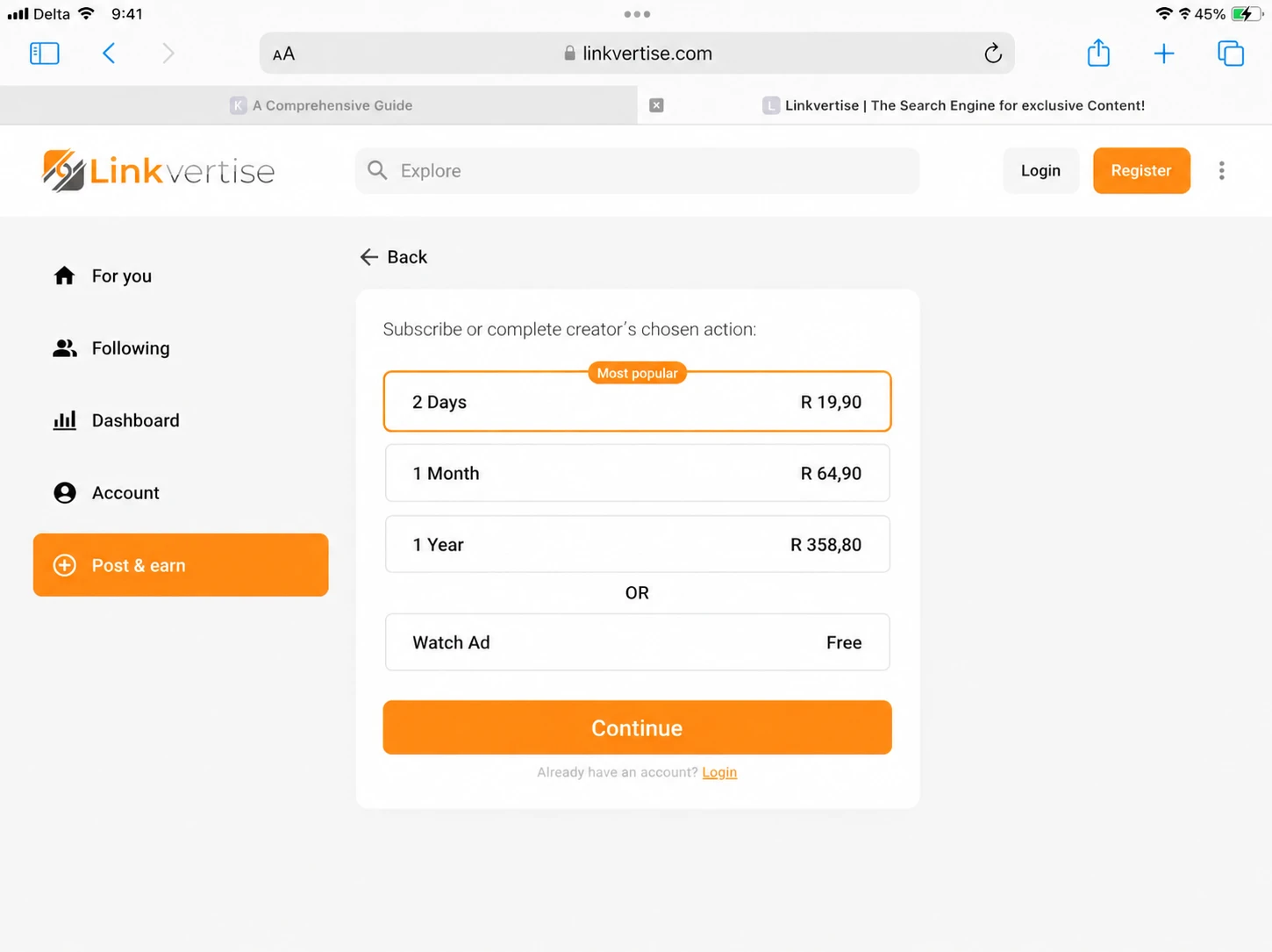
- Hit “Watch Ad” and “Continue”.
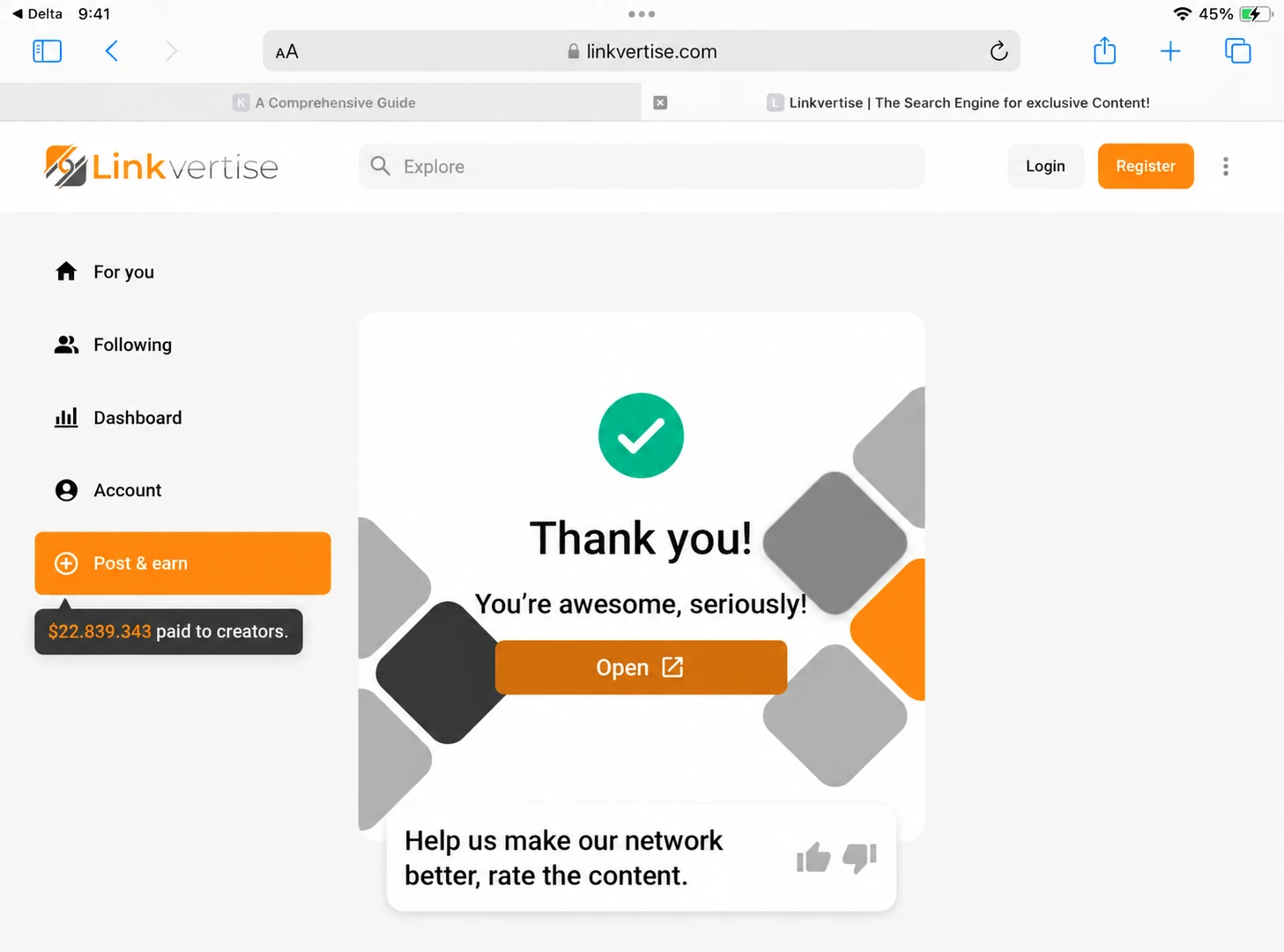
- After completing the ad step, hit “Open”.
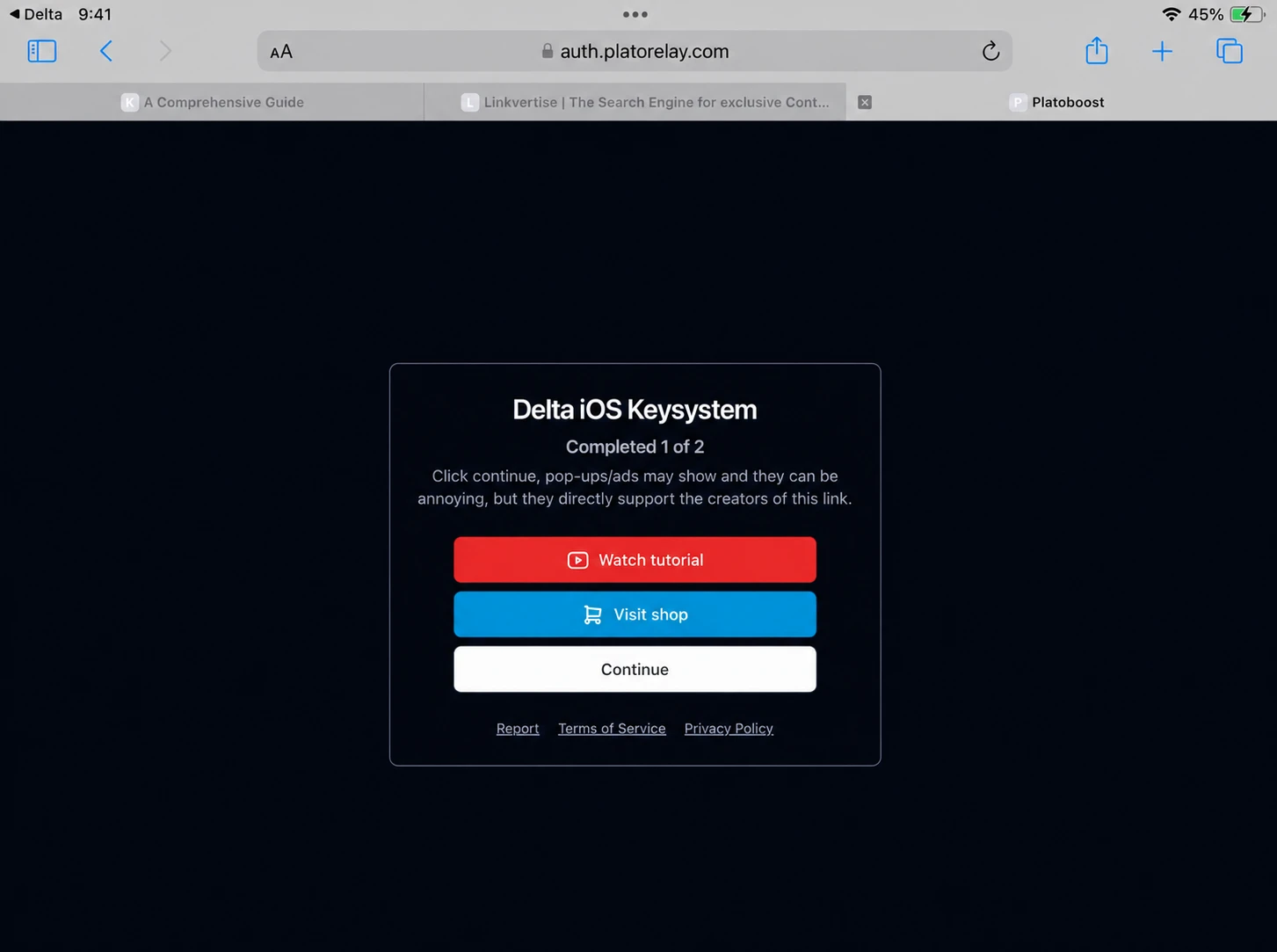
- You may need to repeat the watching ad step.
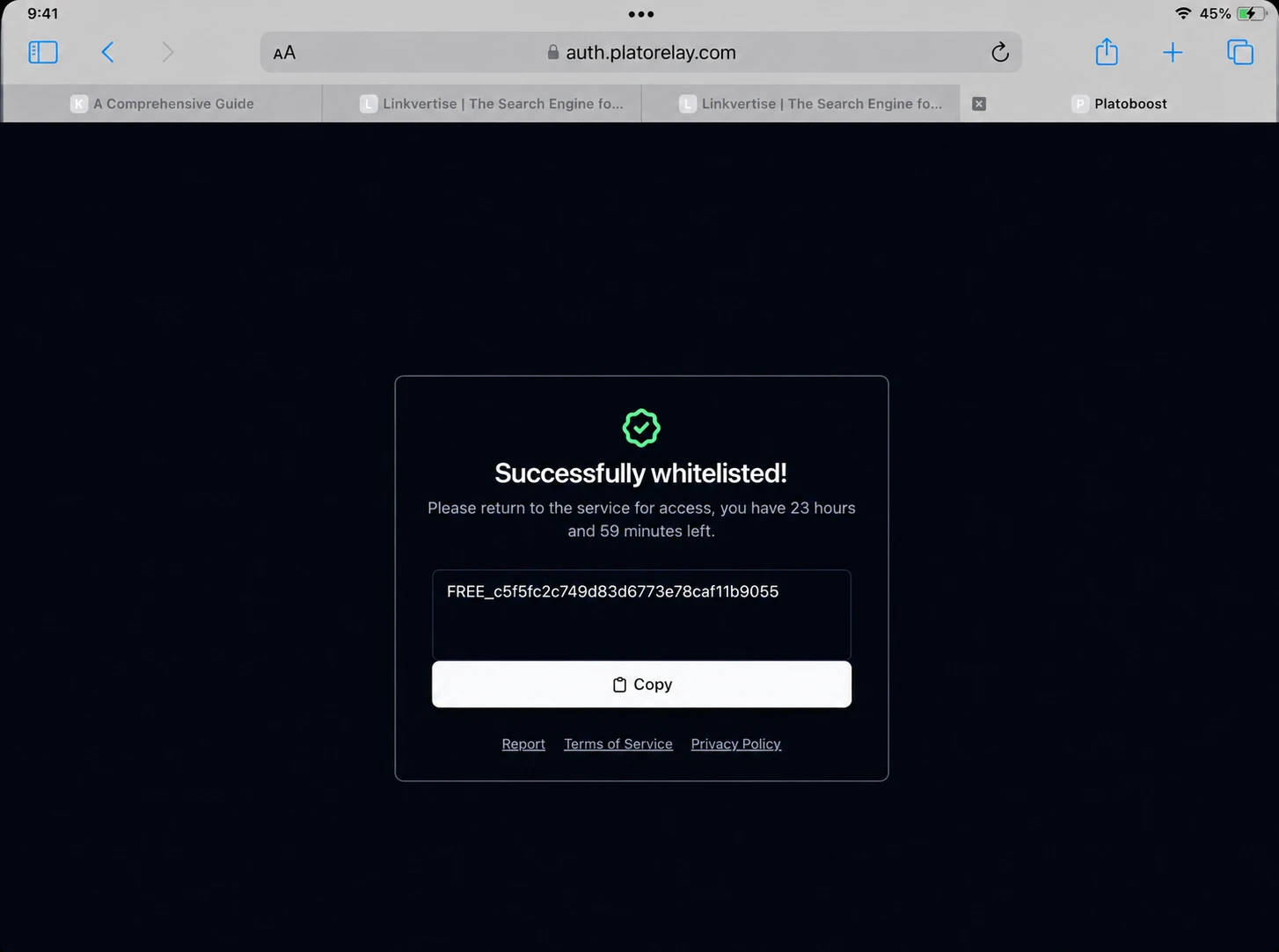
- Finally your key will be generated.
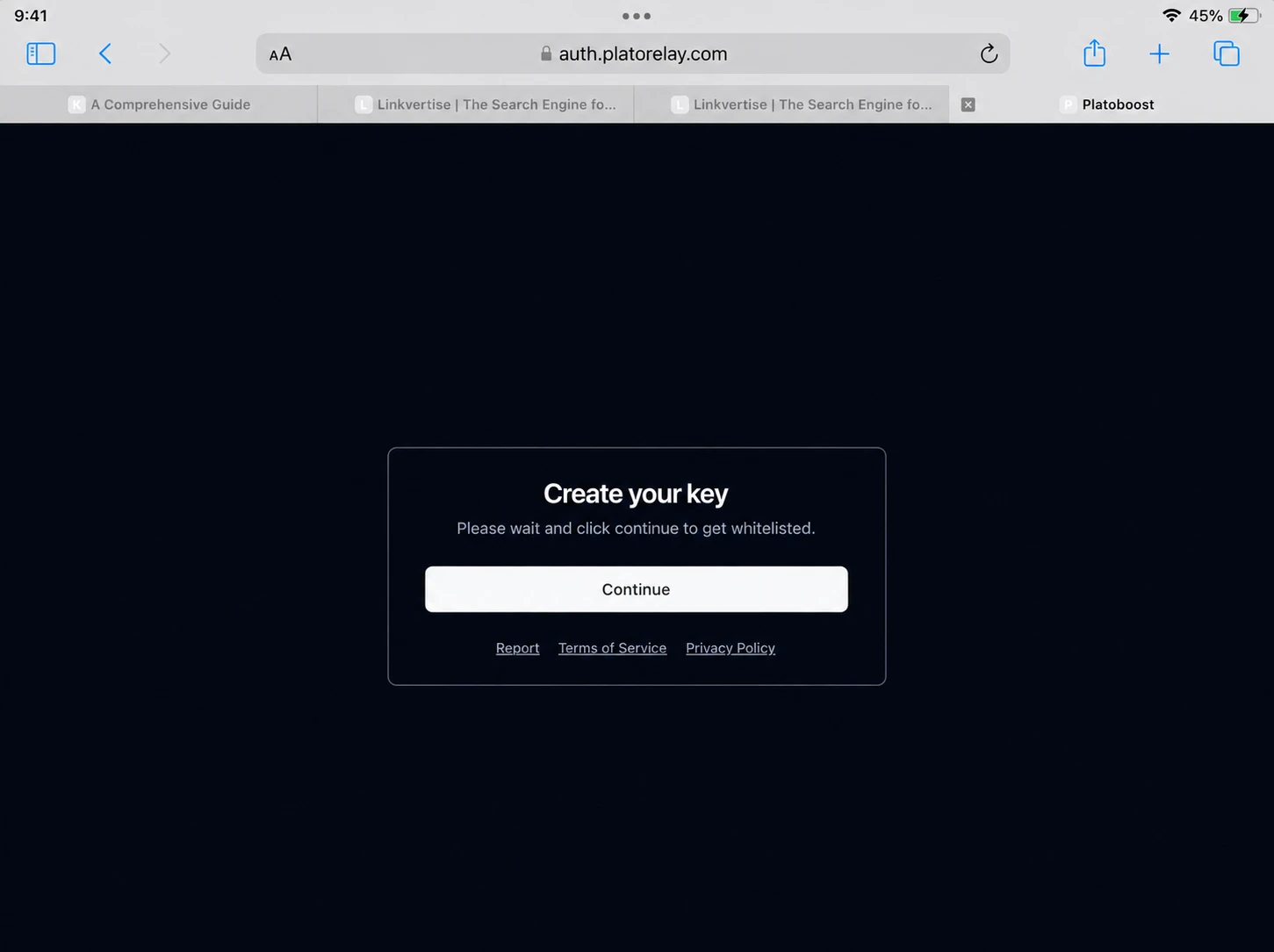
- Copy your key, go back to the Roblox and paste it and hit “Continue”.
What to expect during Verification?
Before starting the verification process, make sure you have a stable internet connection and you are not using an ad-blockers. You need to read an article and watch an ad to start the process. The key is to stay patient during the whole process.
Delta Key not working on iOS? Common Errors and Fixing
Error 403 or “Invalid Key”:
This error shows when the key you entered has expired, was not copied correctly, or you were using a VPN. Sometimes extra spaces get added to the key when copying, copy and paste it again, turn off your VPN, and then generate it again.
Verification Loop or Key page not loading:
This happens when you skip steps, using an ad blocker, or have an internet connection problem. Before starting the process check your internet connection, turn off ad blocker, and follow all the steps onscreen.
Scripts stopped working:
Key expires every 24 hours, so you have to regenerate the key every 24 hours.
FAQs:
Is Delta key free?
Yes, the key is completely free. You just need to complete a short Linkvertise verification process.
Do I need a key every time I open Delta iOS?
No. A key stays valid for 24 hours, so you can use it within that time period. But after that, you need to regenerate it.
Can I use one key on multiple devices?
No. A key is generated for the device you use to generate. So, it is best to generate a separate key for each device.
How long is the Delta key valid?
It key is valid for only 24 hours. So, you need to get a new one after almost everyday.
Conclusion:
Getting the Delta key on iOS takes only 2 to 5 minutes if you know the order of steps. If something goes wrong, the above fixes cover most of the problems. If you have not installed Delta Executor, you can download it via direct install or IPA method.